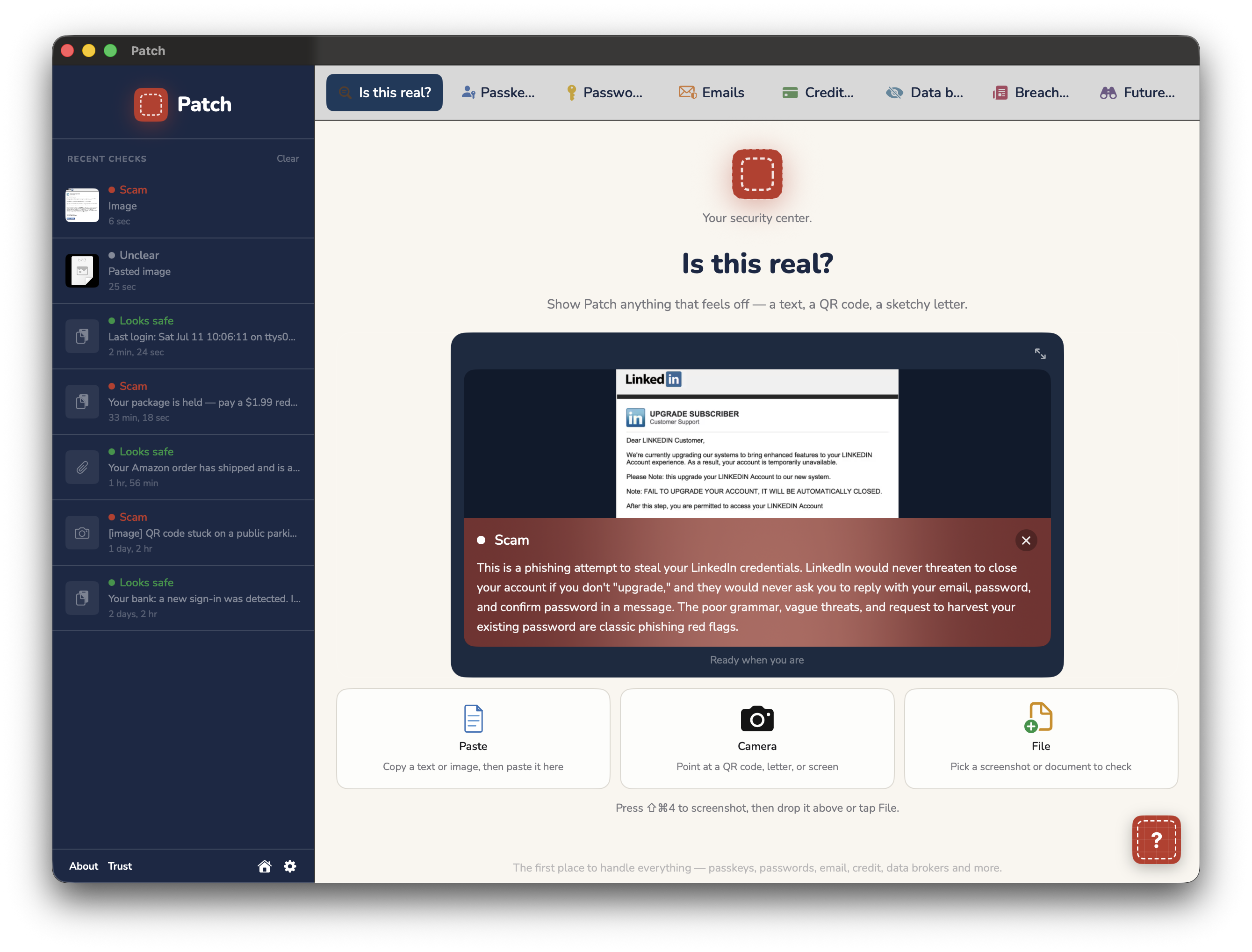
Is this real? — check any message for a scam

A guided fix, step by step
Breaches, passwords, emails, scams, data brokers, credit freezes, and more.
For the first time, all in one place.
Is this real? — check any message for a scam
A guided fix, step by step
Mac available now. iPhone on the App Store.
One subscription covers Patch on your Mac and your iPhone, kept in sync. One purchase. Two apps. Synced for home and on the road.
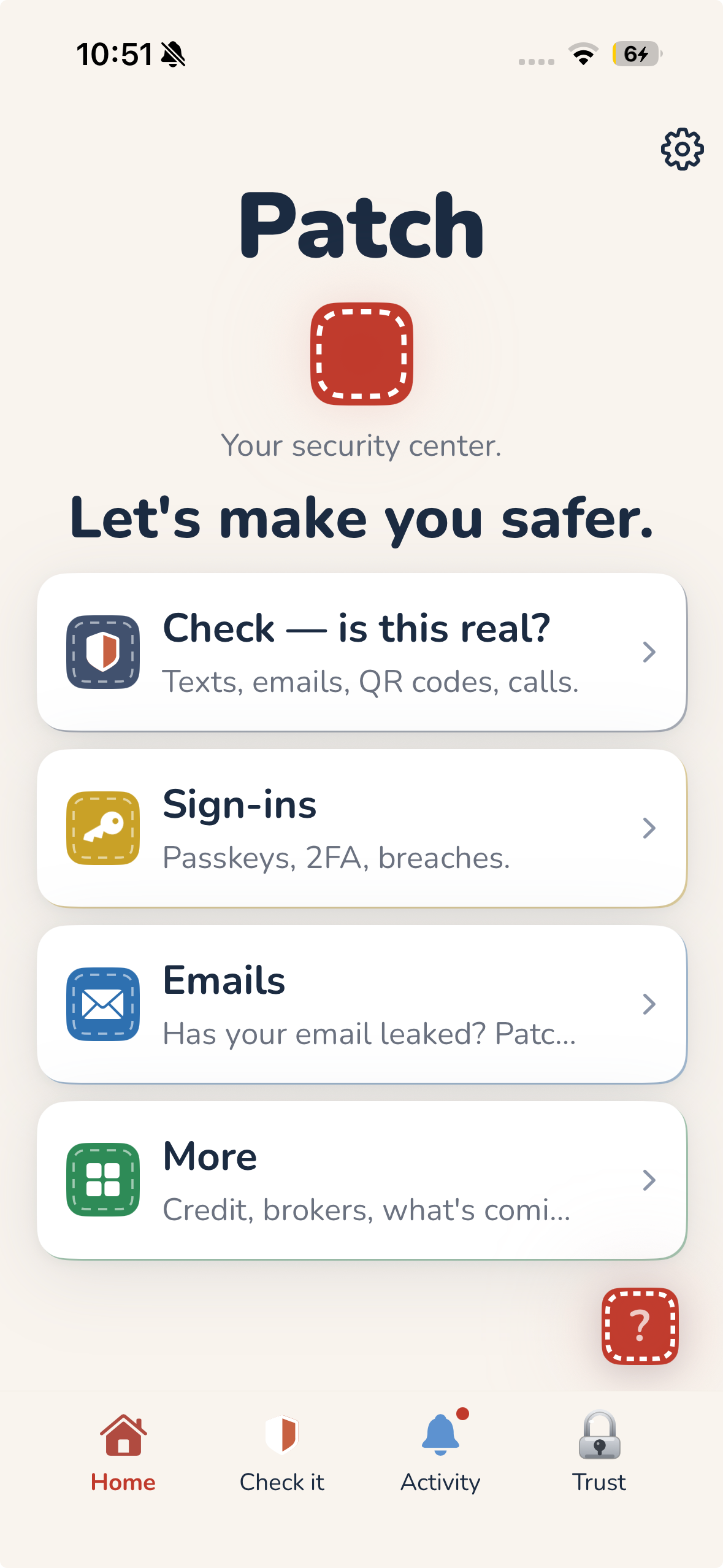
Home
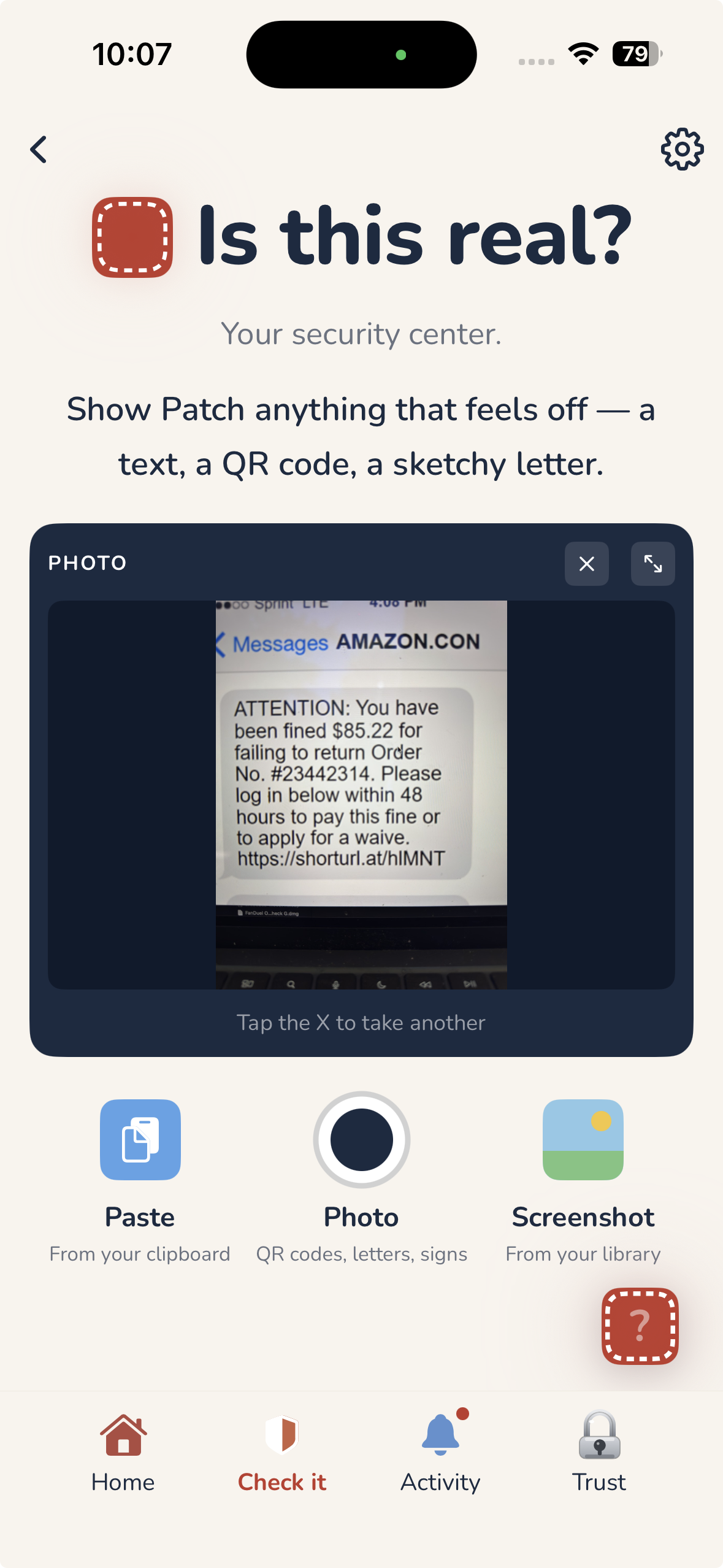
Is this real?
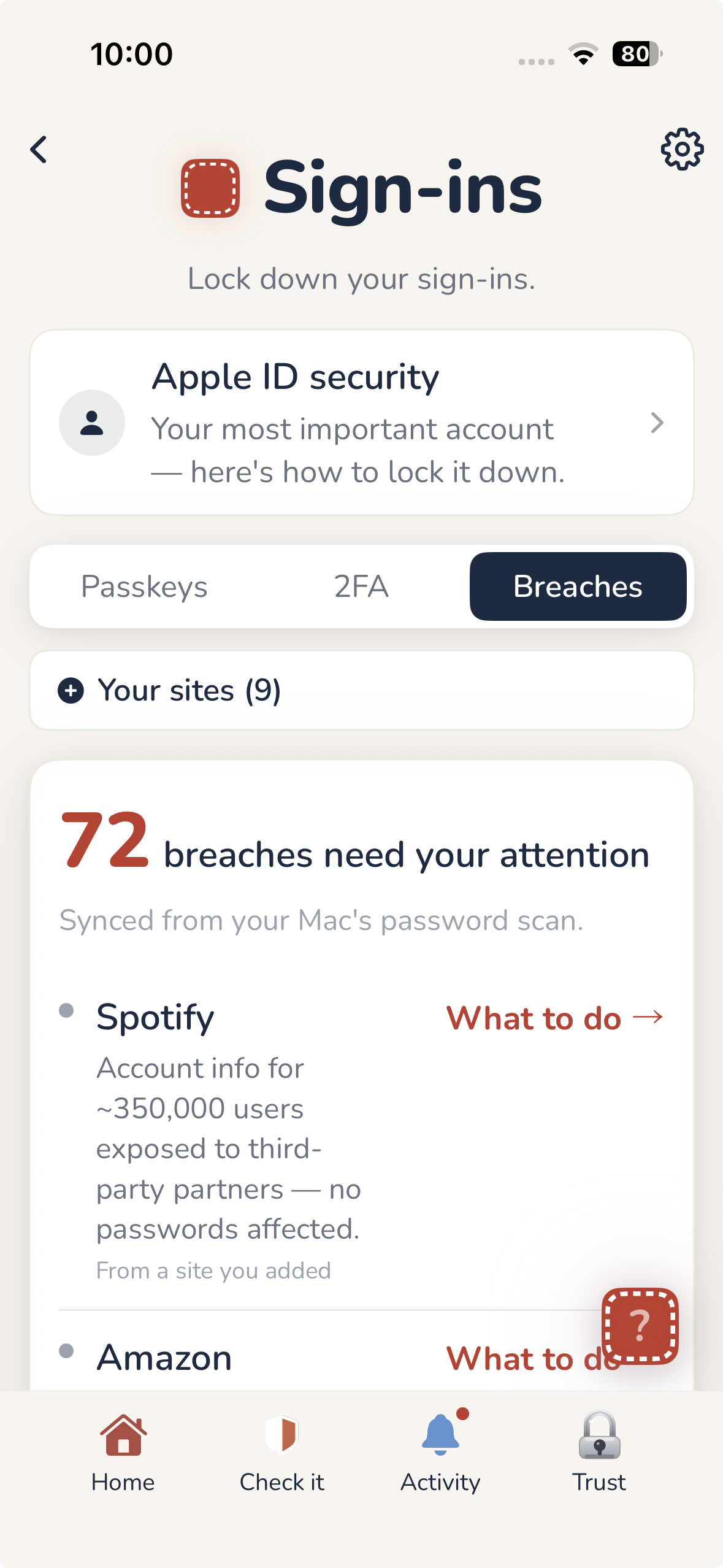
Sign-ins
Free to download. Paid plans unlock everything.
Find out right now if you've been exposed.
or $19.99/year — 2 months free
Everything, in one place, for you.
or $39.99/year — 2 months free
Everything, plus room to lean on the advisor.
or $69.99/year — 2 months free
Give everyone you love their own protection.
Patch for Mac is free to download and use, with no account. The free tier covers email and password breach checks, plus two scam checks a month. Paid plans unlock everything.
Checks scams, answers your security questions, and walks you through fixing things.
Ask anything — Should I really change this password? What does freezing my credit actually do? Is this email a phishing attempt? — and get a straight answer in plain English. No jargon, no upsell, no waiting on hold.
What the advisor sees: the tab you're on and the question you ask. Not your passwords, not your list of accounts. When you paste something in to check, that's what gets looked at — nothing else. And whatever you send is never used to train an AI model — that's in Anthropic's terms, not just our word.
Powered by Claude — Anthropic's AI assistant.
Your browser tells you a password leaked, then leaves you on your own. That's where most people give up. Patch picks up exactly there.
Breaches, weak passwords, scams, data brokers — Patch finds them and sorts them by what matters most.
Patch walks you through each one, step by step — reset this, freeze that, remove yourself here. The advisor answers questions along the way.
Patch keeps watching and tells you when something new turns up — synced across your Mac and iPhone, so you stay on top of it everywhere without thinking about it.
Not a list of problems. A way through them.
Patch doesn't store your passwords or credentials. There's nothing to steal. It shows you what's exposed — it doesn't hold your secrets.
Read morePatch checks them against known breaches without ever sending them anywhere. Nothing sits on our servers — there's no account list, no database, nothing to leak.
See every place your email and passwords have leaked, sorted by what matters most — then fix each one.
Paste a text, photo, or email and Patch tells you if it's a scam — before you click, reply, or pay.
Find the sites selling your name, address, and phone number — and get yourself removed.
Lock your credit at all four bureaus — the single strongest identity-theft protection there is.
Turn on stronger sign-in where it counts, with step-by-step help for each account.
See whether your email has turned up in a known breach, and exactly which ones — so you know what to change and where.
Patch makes things easy to navigate and understand — a stress-free place for non-technical people to handle online security on their own time, at their own pace.
A few of the screens you'll actually use. (Demo data shown.)
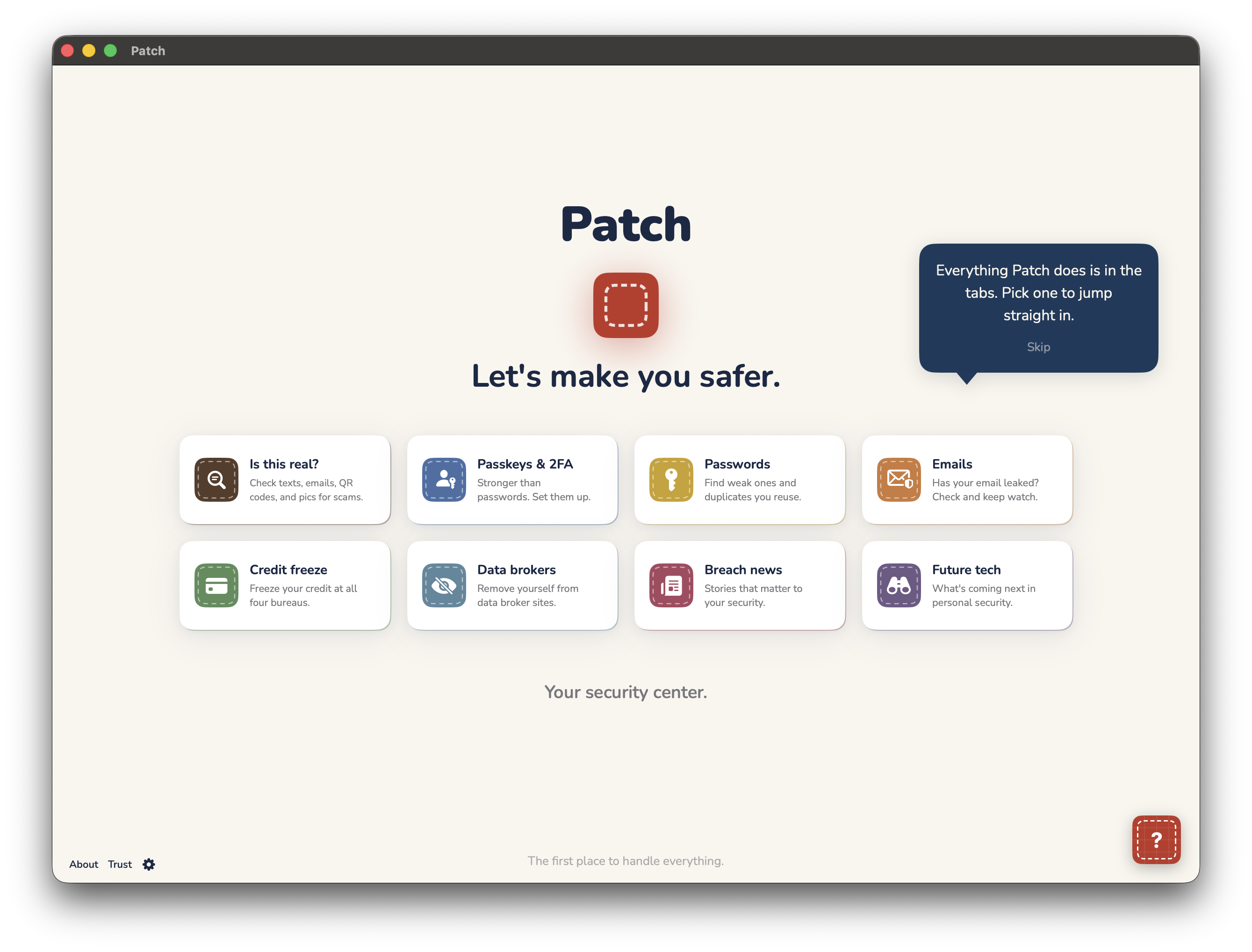
Home — your security center
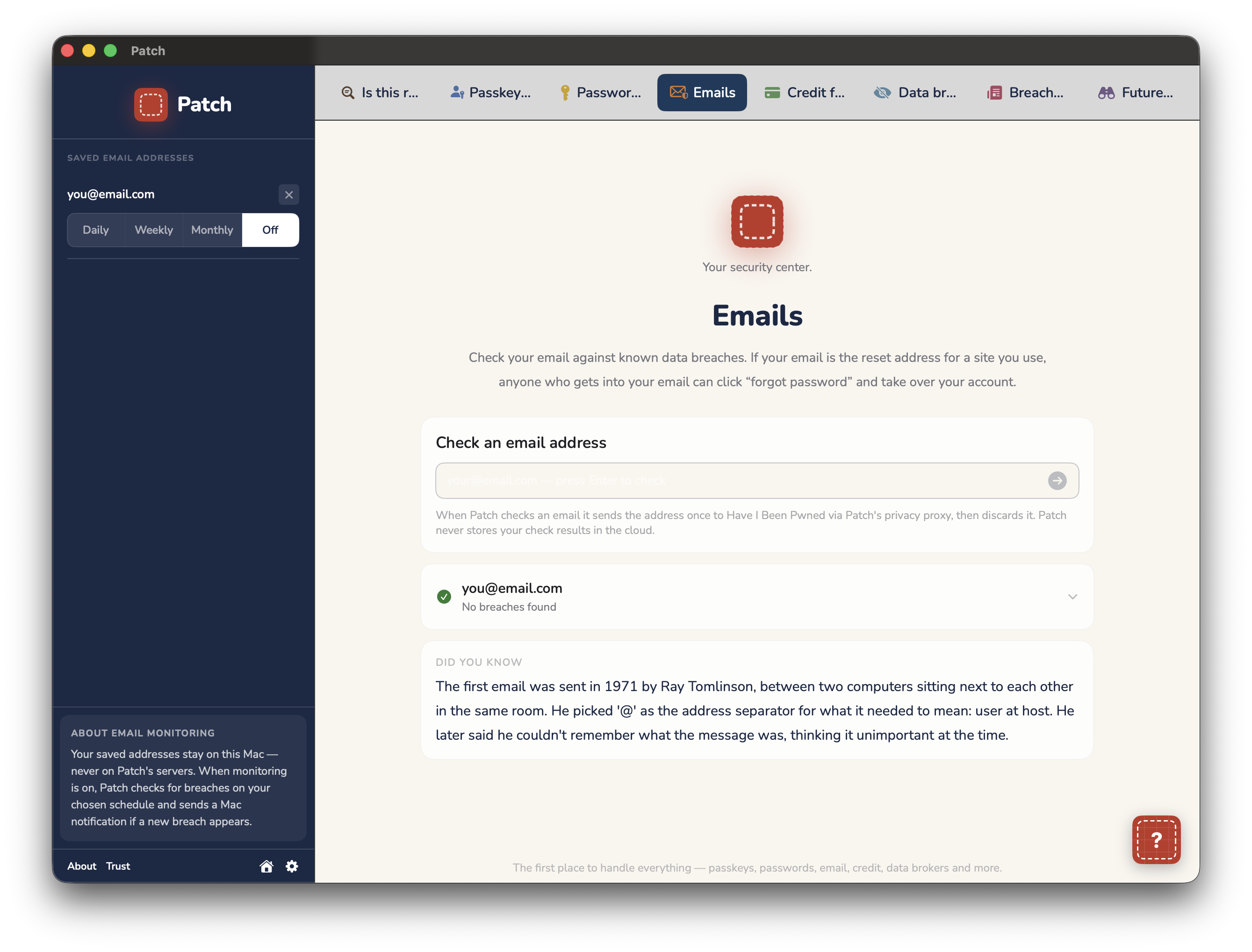
Emails
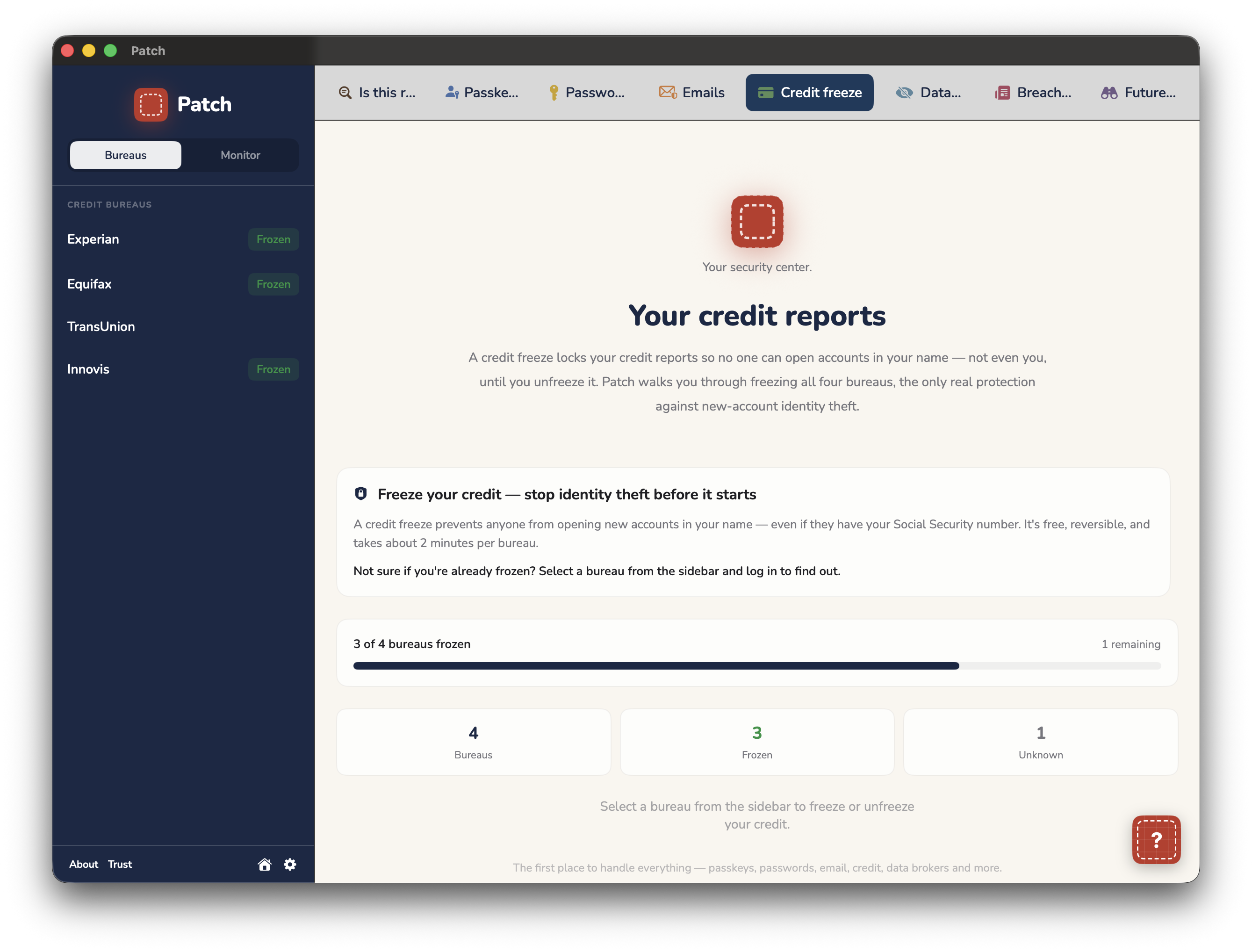
Credit freeze
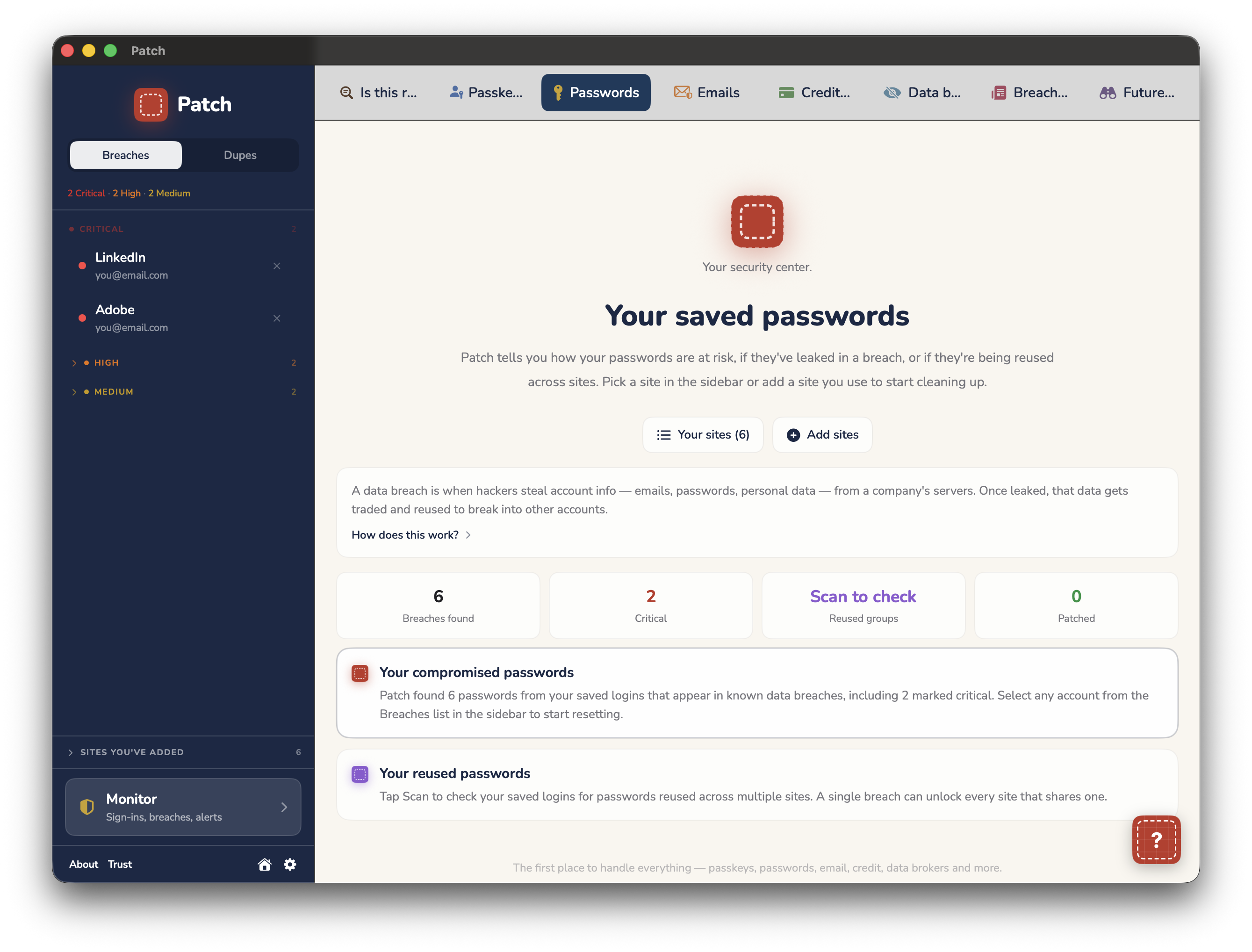
Passwords
On your iPhone
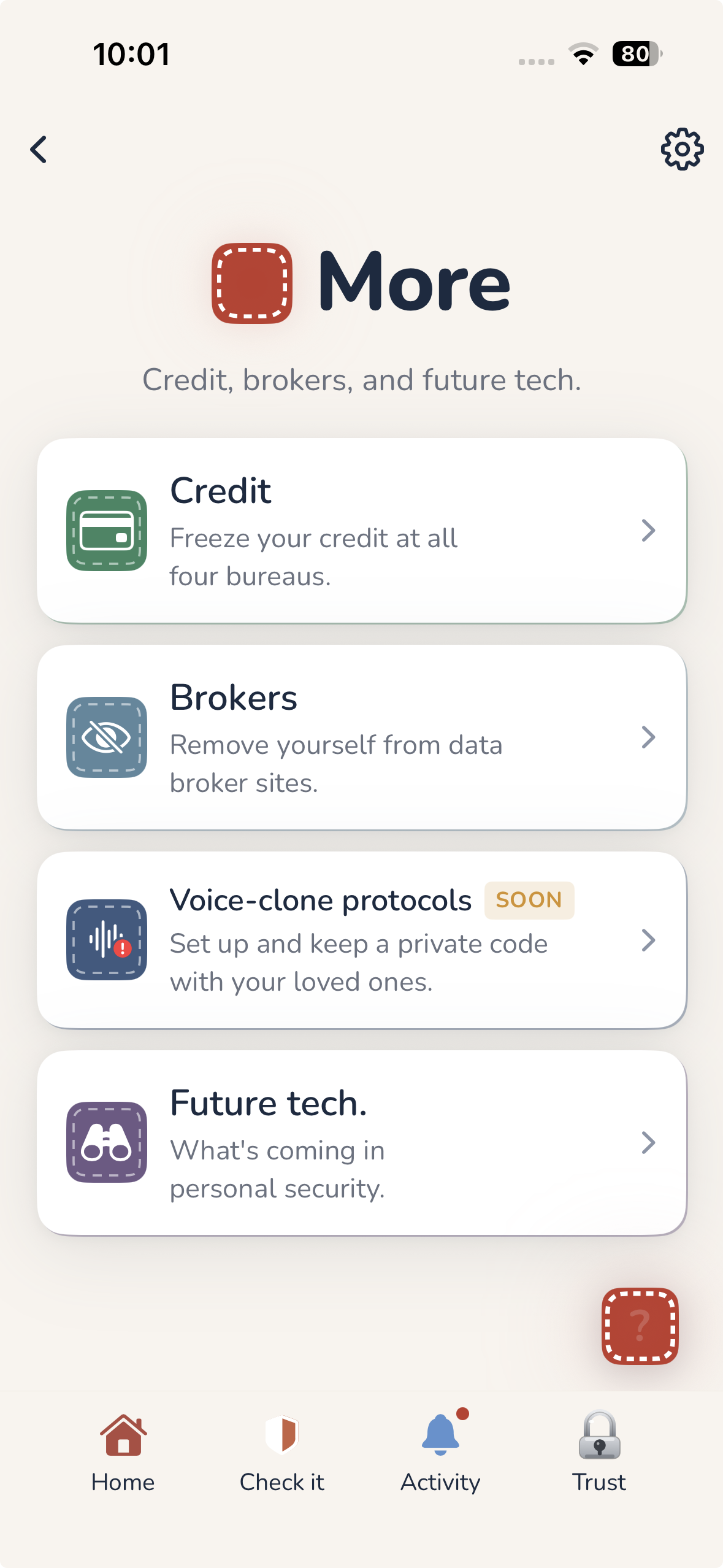
More
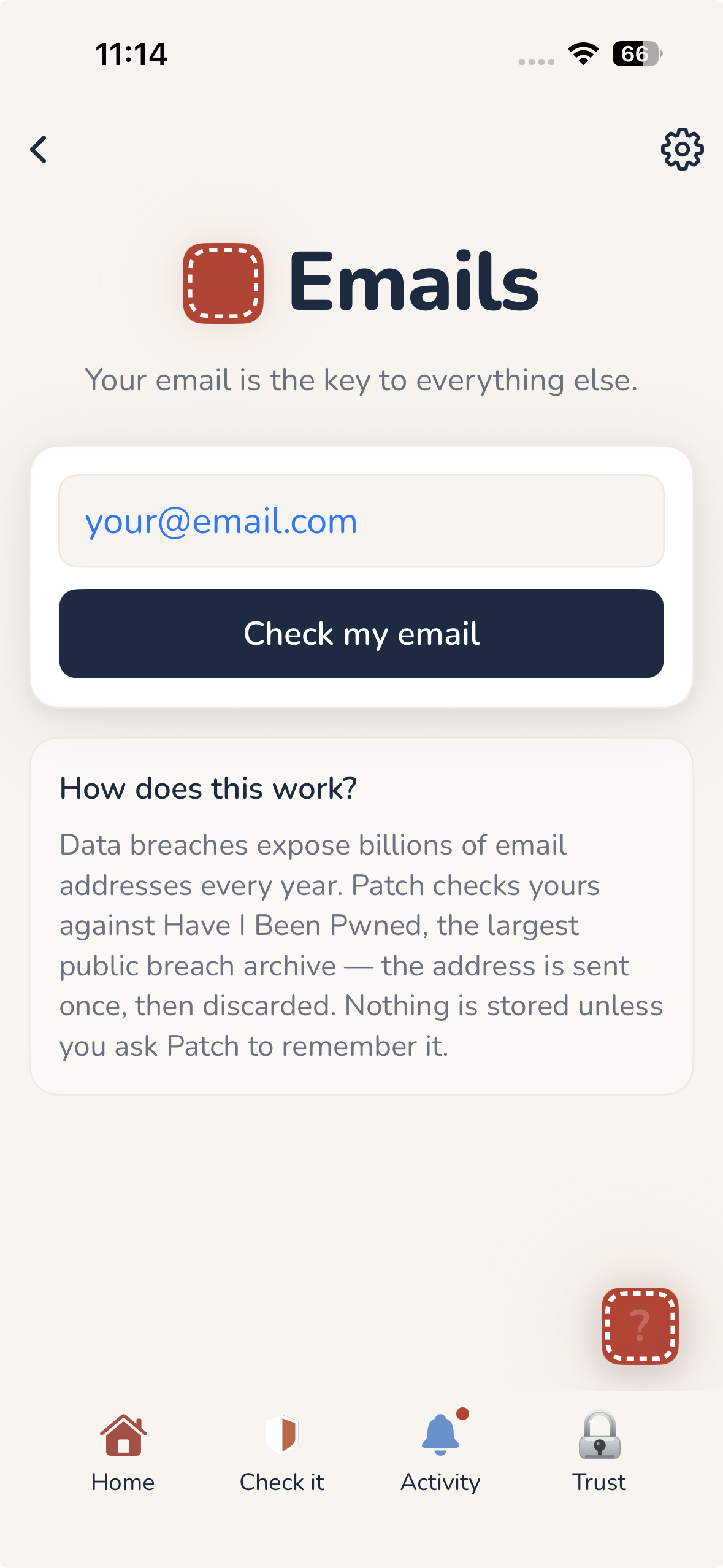
Emails
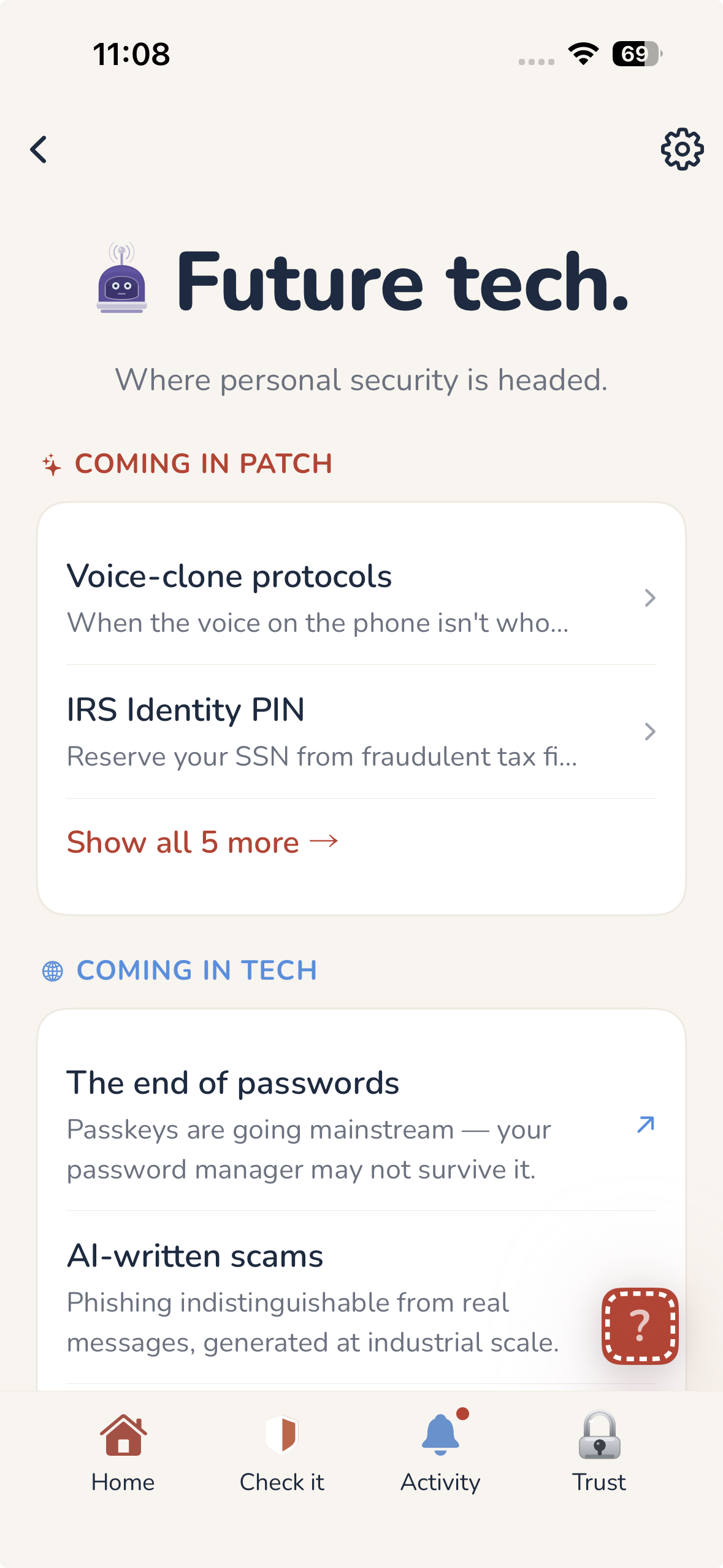
Future tech
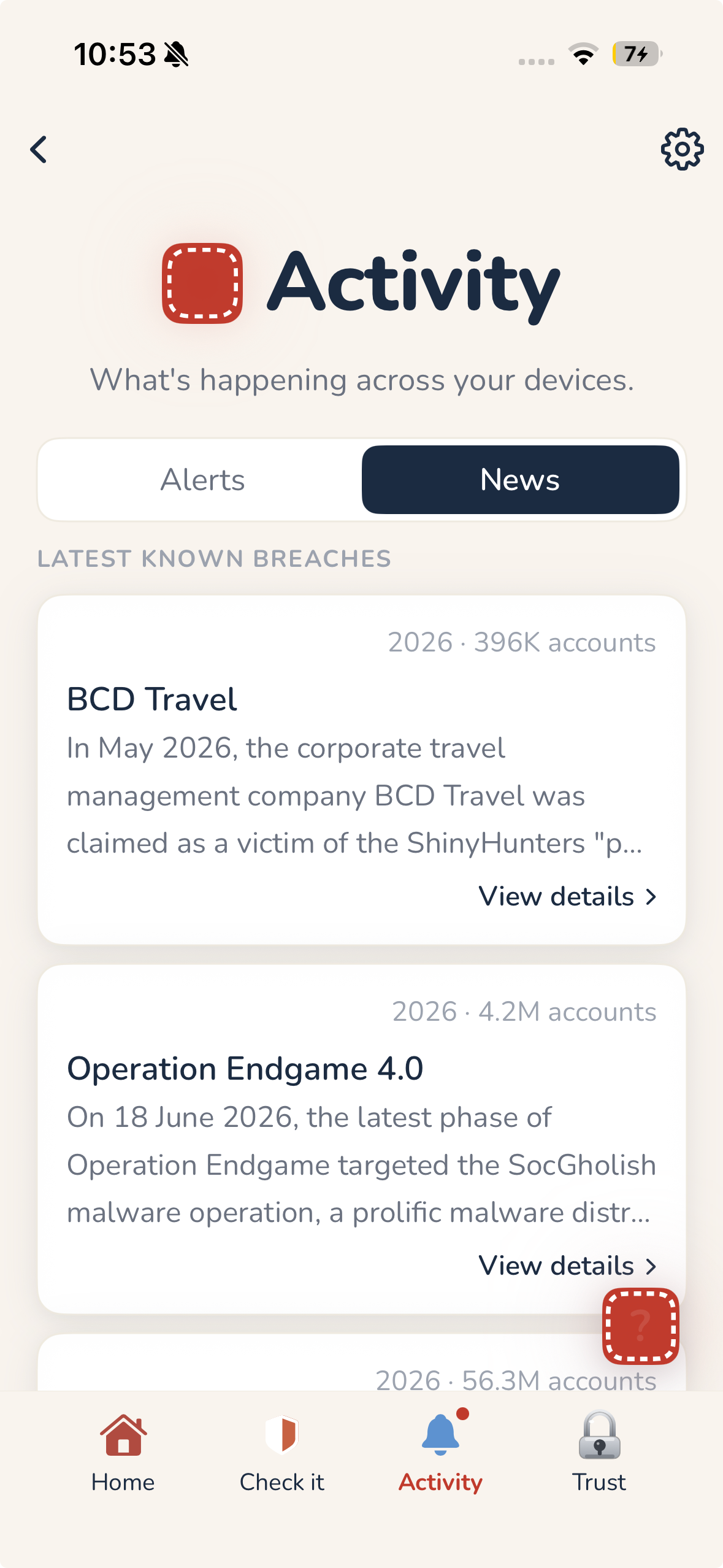
Activity
Your security center.
File notarized and checked for malware by Apple.
No account, no payment.